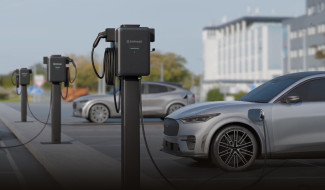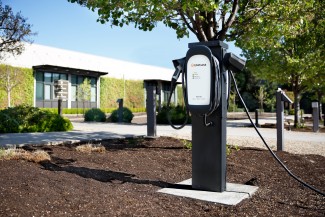
This guide explains how to integrate your Enphase IQ EV Charger 2 with Flipturn. It is designed for both installers and owners to ensure a seamless setup and activation process.
After integration, you can use Flipturn to:
- Authenticate charging sessions
- Add/Edit RFID cards
- Monitor data for all charging sessions
- View historic consumption data
Owners can still use Enphase App to monitor and control their IQ EV Chargers including:
- Start/Stop EV charging
- Set/Update all charging modes
- Monitor real-time and historical energy consumption
- Monitor data for all charging sessions
- Generate charging reports
- Manage charger settings
Note: Authentication settings will be blocked from Enphase App. Owners need to use Flipturn portal to manage RFID Authentication settings.
Integration steps
Step 1: Install and commission the IQ EV Charger 2
- Install the IQ EV Charger 2. Refer to the quick install guide for the steps to install the charger
- Use the Enphase App or Enphase Installer App to commission the charger. Please refer to the Enlighten app commissioning video or ITK app commissioning video.
Step 2: Enable integration with Flipturn
To initiate the integration with Flipturn:
- Open the Enphase Enlighten App
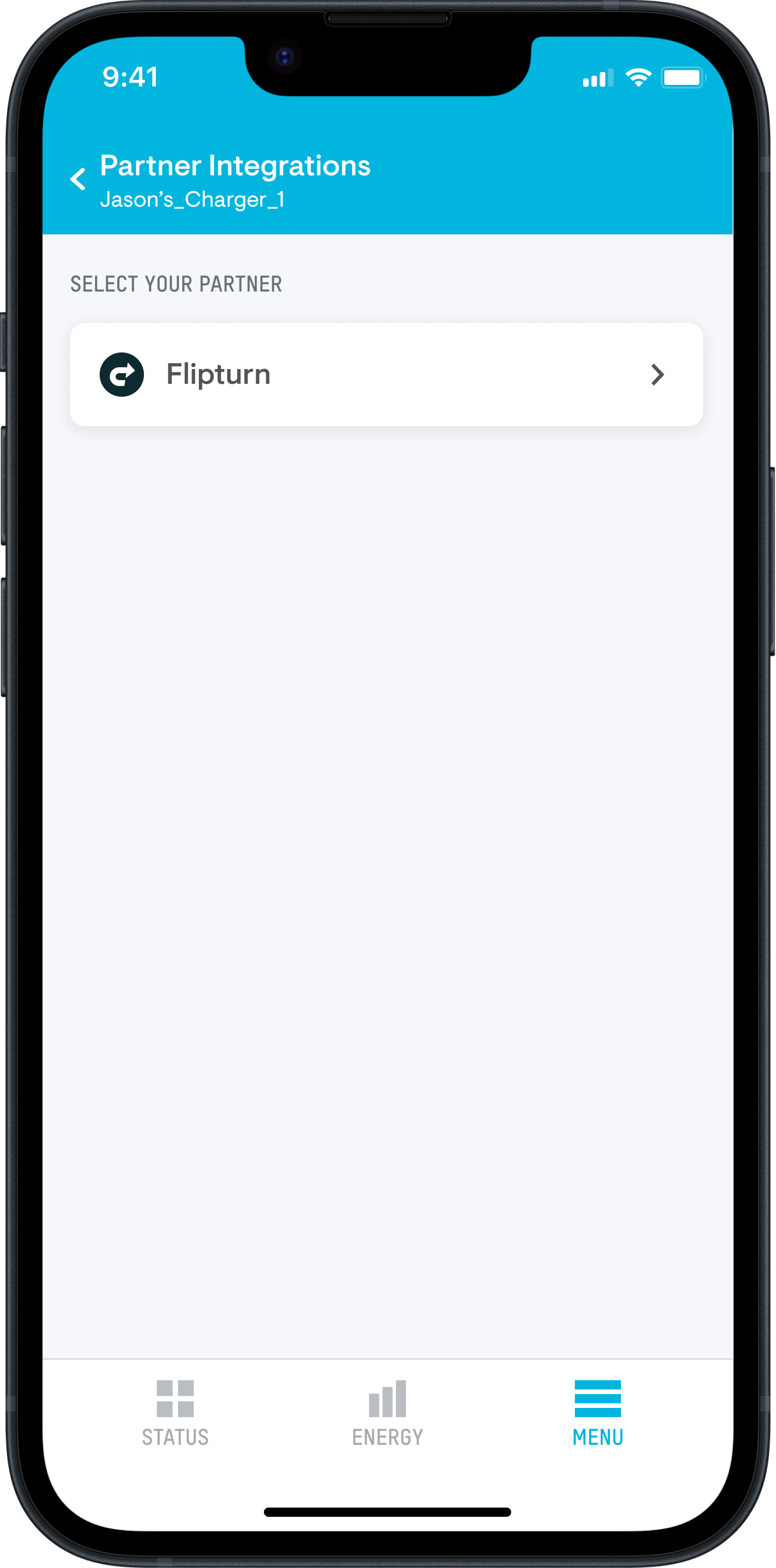
- Go to: Menu → Settings → IQ EV Charger 2 → Partner Integrations
- Select Flipturn
- Review access permissions and tap Enable
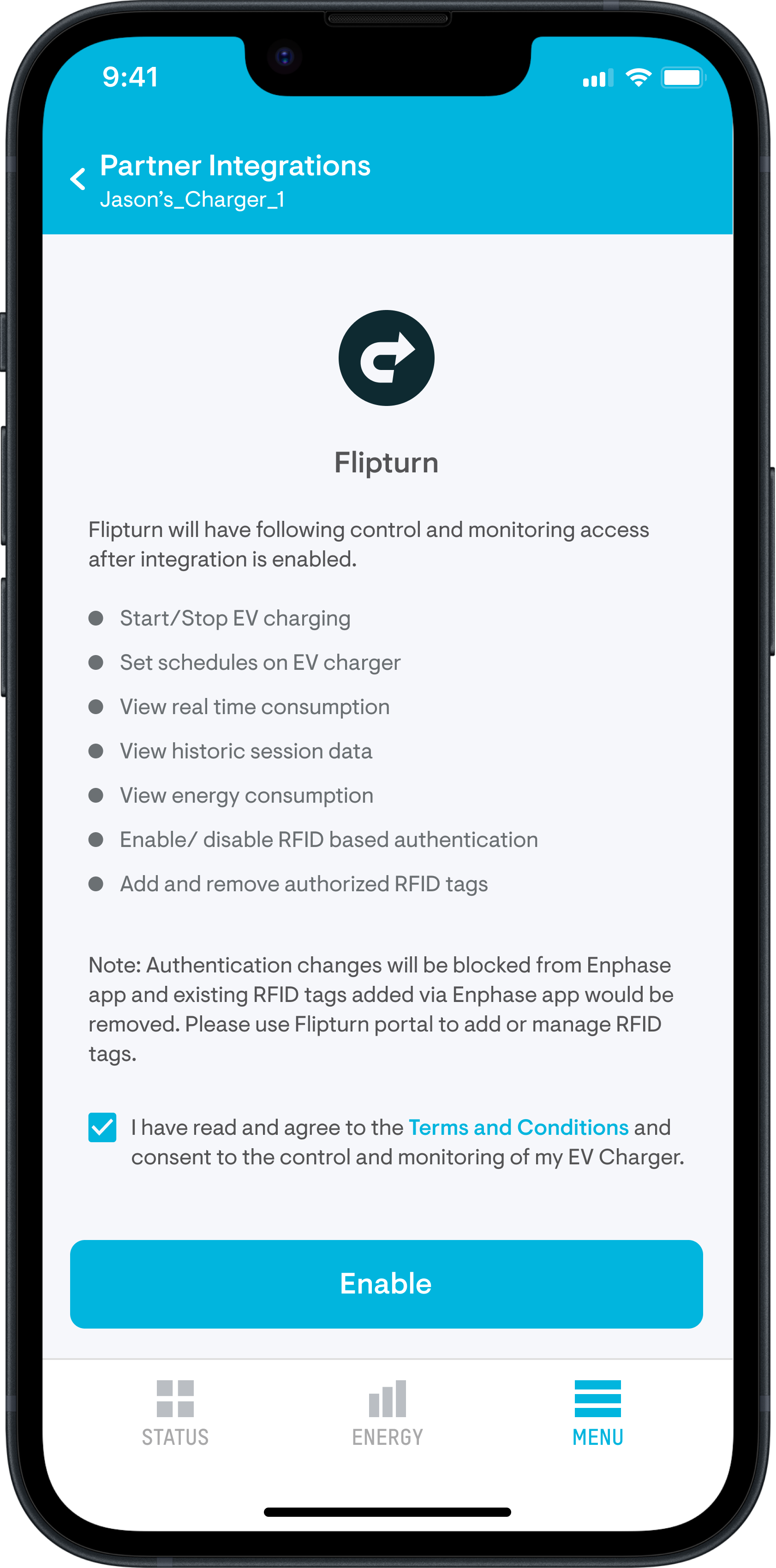
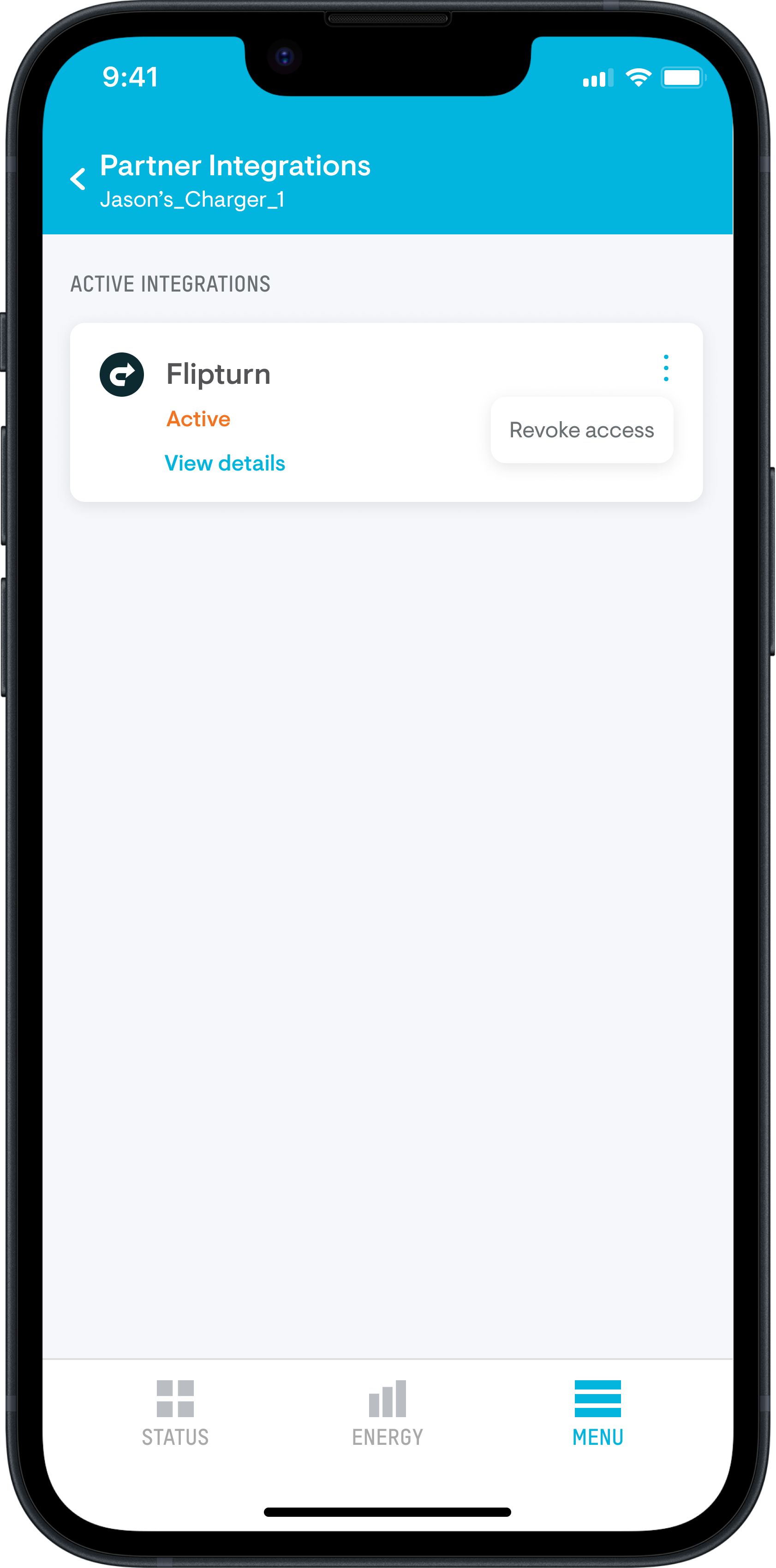
- Please ensure the charger is online and unplugged before you click on Enable. Once you tap Enable, a registration request is sent to the Flipturn platform. The screen will show Active status if the registration is successful.
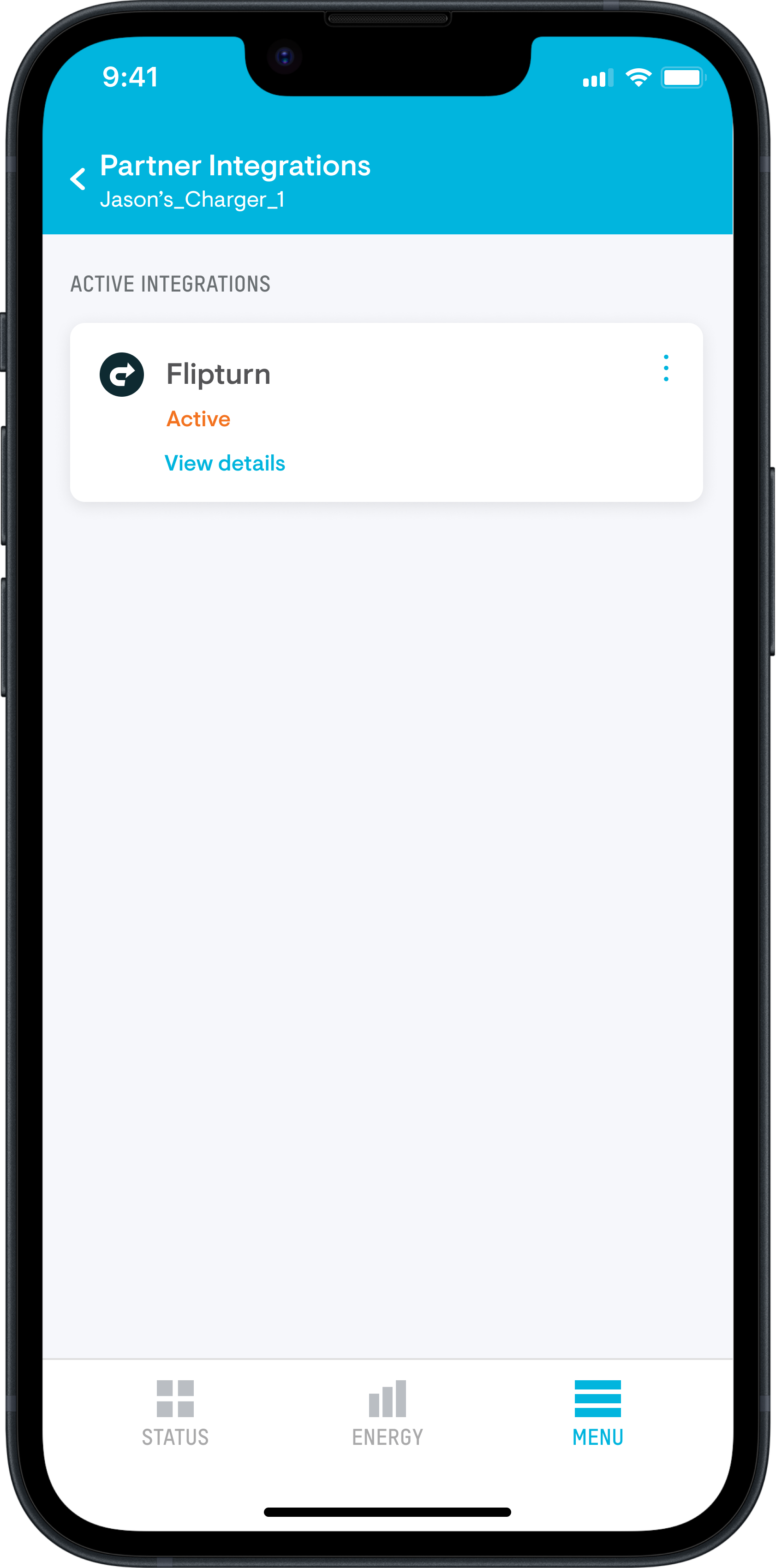
To disconnect the charger from the partner:
- Click on the three dots (⋮) in the top-right corner
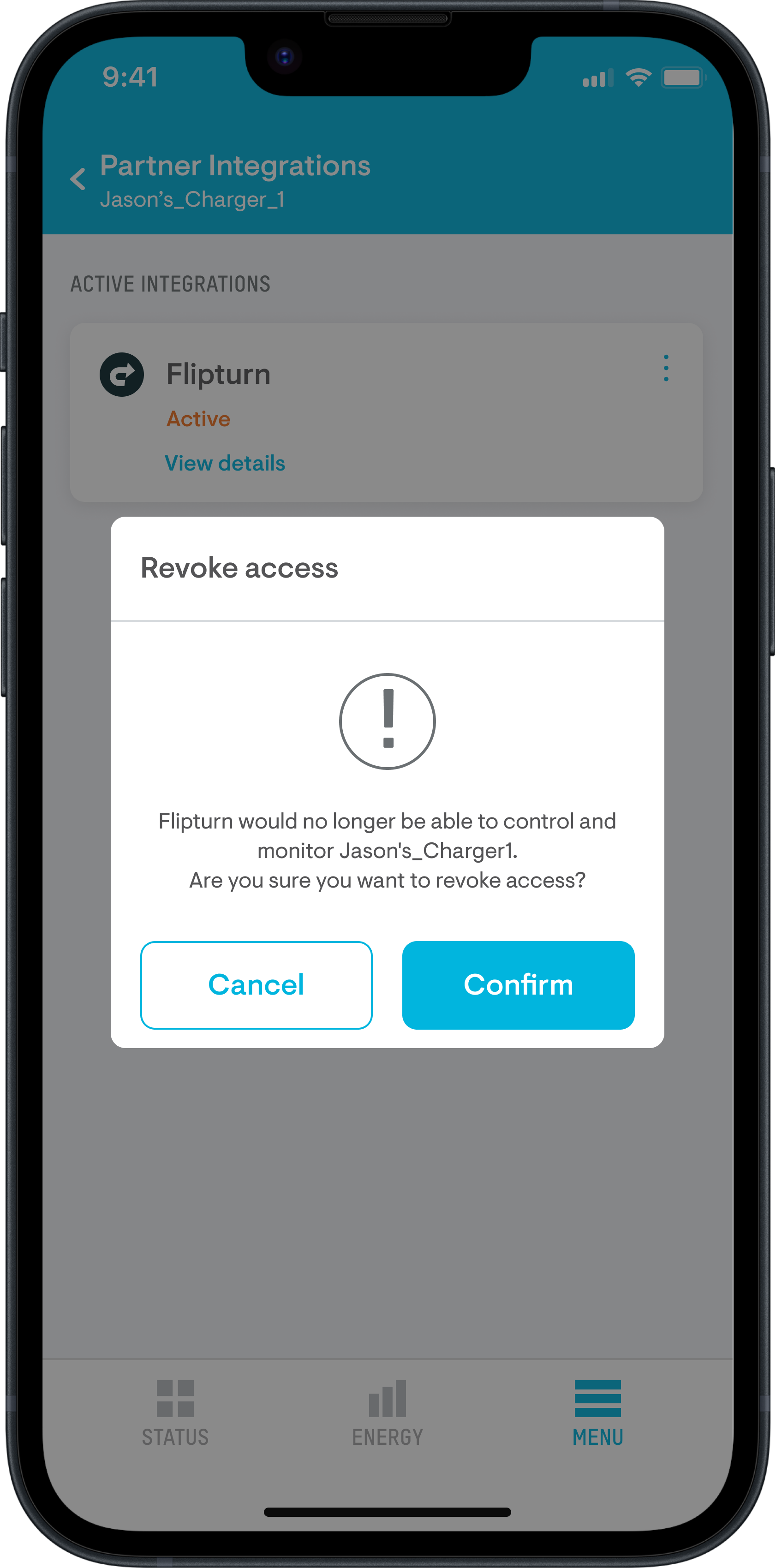
- Click on Revoke access
- Click on Confirm to disconnect the charger
Step 3: Register the charger on Flipturn
To complete setup:
- Fill out the activation form
- Flipturn will verify and confirm once the charger is connected
- For any issues or questions, contact Flipturn Support at: support@getflipturn.com
Manage charger authentication after Flipturn integration
Manage charger authentication after Flipturn integrationOnce completed, your charger Enphase IQ EV Charger 2 will be fully integrated with Flipturn. You can view completed sessions on your Flipturn platform.
How to manage authentication after the charger is connected (if enabled):
- If authentication is enabled, users must present an RFID card to start charging. Charging will not begin without authentication
- Use the Flipturn portal to add or remove RFID cards and configure authentication settings
Note: Authentication settings are disabled in the Enphase App after integration. Use the Flipturn portal to add or manage RFID cards.